

Key Takeaways
- State immunization information systems (IIS) are the most reliable source for retrieving lost vaccination records.
- Healthcare providers, schools, and employers may also hold historical immunization documentation.
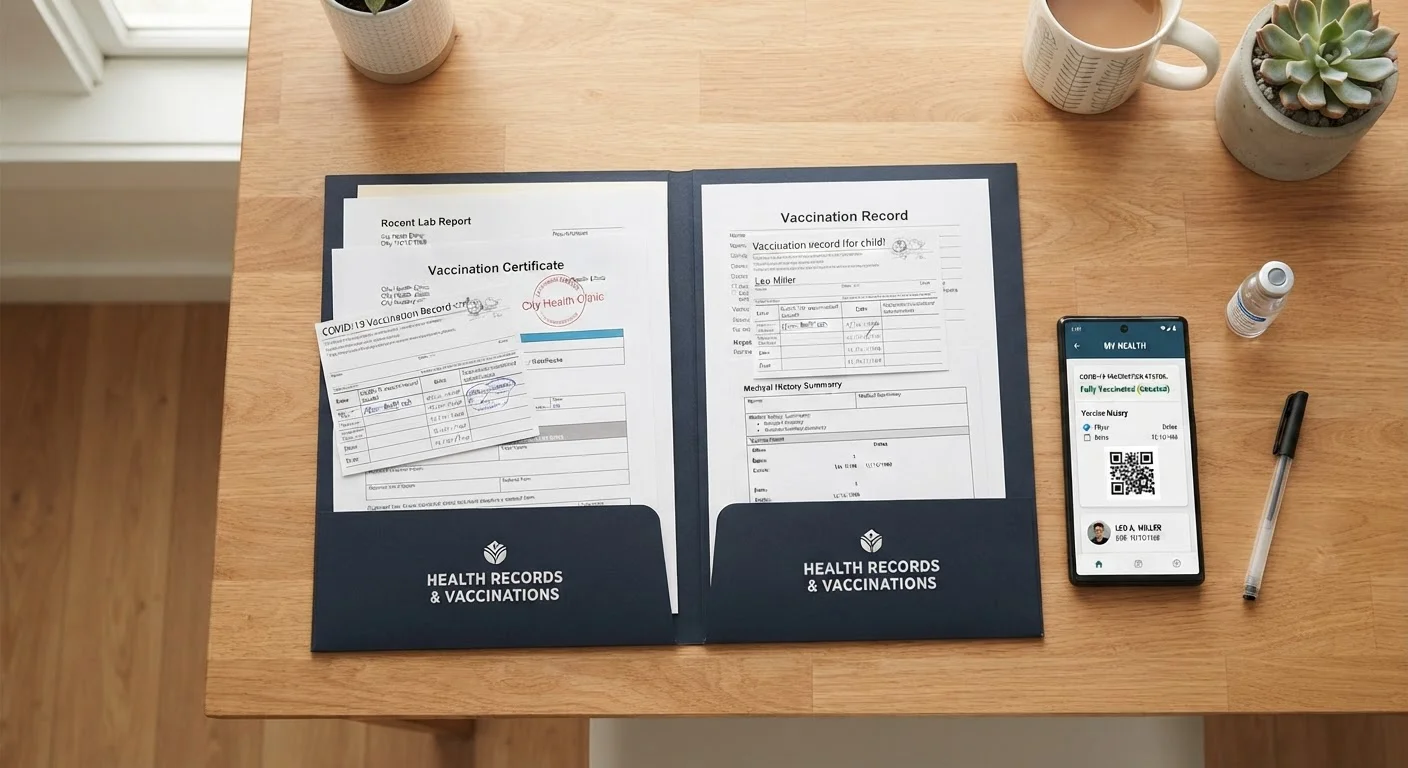
- Storing records in both digital and physical formats reduces the risk of losing them again.
- Missing records do not always mean repeating vaccines; a provider can assess options including titer testing.
- Keeping records current is especially important before travel, school enrollment, and medical procedures.
What you will need
Why Immunization Records Matter More Than You Might Think
Vaccination records serve as proof of protection — for school enrollment, international travel, certain employment roles, and medical procedures that may require immune status verification. When records go missing, it creates practical friction at exactly the moments when documentation is most urgently needed. Beyond administration, a complete record also helps your healthcare team identify any gaps in your preventive care.
People with chronic conditions, in particular, may find that their vaccine needs differ from standard schedules. See our guide to vaccination and chronic illness to understand how underlying health conditions can affect vaccine recommendations.
Never Self-Diagnose Immunity Gaps
If you cannot locate records for certain vaccines, do not assume you are either fully protected or completely unprotected. A healthcare provider can review your history, order antibody titer tests where appropriate, and determine the safest path forward. Making immunization decisions without professional guidance can leave you unintentionally vulnerable to preventable illness.
This article provides general educational information about locating and organizing immunization records. It is not a substitute for personalized medical advice. Consult a qualified healthcare provider for guidance specific to your health situation.
What You'll Need Before You Start
Having the right identifying information and tools on hand before contacting registries or providers will make the retrieval process significantly faster.
What you will need
State Immunization Information System (IIS) Portal
Access your state's official electronic registry to search for and retrieve documented vaccination history.
Personal Health Record App (e.g., Apple Health, CommonHealth)
Digitally store and organize immunization records for convenient access at appointments or border crossings.
Secure Cloud Storage or Password Manager
Back up digital copies of scanned vaccination cards and registry printouts for safekeeping.
Printed Immunization Card or Personal Health Binder
Maintain a physical copy of your vaccination record as a backup when digital access is unavailable.
Step-by-Step: Locating and Retrieving Your Records
Verify Registry Access Before Sharing Data
When submitting personal information to retrieve registry records online, confirm you are using an official state or territorial health department website. Unofficial third-party sites may not protect your data appropriately. Look for a .gov domain or a direct link from your state health department's homepage.
Check Your Existing Personal Records
Start with what you already have. Search for a yellow CDC-issued vaccination card, a home health binder, a baby book, or any prior medical discharge paperwork. Check email archives for digital vaccination confirmations sent by pharmacies or clinics — many providers began emailing summaries during and after the COVID-19 pandemic. Even partial records narrow the scope of what you need to retrieve officially.
Contact Your Healthcare Provider's Office
Your primary care physician, pediatrician, or the clinic where most of your care occurred likely retains vaccination records in their electronic health record (EHR) system. Call the office and request a copy of your immunization history. Be prepared to verify your identity and, if records are older, understand that some practices purge files after a certain retention period, which varies by state law.
Search Your State's Immunization Information System
Every U.S. state and territory maintains an Immunization Information System (IIS) — a confidential electronic database that consolidates vaccination records reported by participating providers. Visit your state health department's website and locate the IIS or immunization registry portal. Most allow adults to request their own records directly; some require submitting a form with proof of identity. The CDC's website maintains a directory of all state IIS contacts if you have difficulty locating your state's system.
Request Records From Schools, Employers, or the Military
Schools are required to collect and retain immunization records at enrollment, making them a useful secondary source — particularly for childhood vaccines. If you attended college, your campus health center may hold records as well. Employers in healthcare, childcare, or food service often retain occupational vaccination documentation. Veterans can request military immunization records through the National Archives or the milConnect portal maintained by the Defense Manpower Data Center.
Talk to Your Provider About Titer Testing if Records Are Unrecoverable
If specific vaccination records cannot be found through any channel, a healthcare provider can order serologic titer tests for certain diseases. A titer test measures the level of antibodies in your blood, indicating whether previous vaccination or infection produced protective immunity. This approach is commonly used for measles, mumps, rubella, hepatitis B, and varicella. Your provider will advise whether re-vaccination or documentation of immunity is the appropriate next step — this is not a decision to make independently.
Organize and Store Recovered Records Securely
Once you have gathered all available records, compile them into a single organized file. Scan physical documents and save them to an encrypted digital location. Enter vaccination dates into a personal health record app if you use one. Keep the physical originals in a labeled folder stored with other important documents. Whenever you receive a future vaccine, add the documentation to your system immediately — ideally before leaving the appointment.
Keeping Records Organized and Up to Date
Create a Dedicated Health Records Folder
Designate one physical folder and one encrypted digital folder — such as a password-protected cloud drive — specifically for health documents. Store your immunization records, insurance cards, and medication lists together. Updating this folder immediately after each vaccine visit prevents future gaps and simplifies records requests.
Immunization records are living documents — they need to be updated every time you receive a vaccine. Building a simple habit of adding documentation immediately after each visit prevents the accumulation of gaps. If you are preparing for an upcoming appointment, our guide to preparing for a vaccination appointment covers practical steps to ensure your records stay accurate going forward.
For broader context on supporting your immune health between vaccine visits, the Immune System Support hub offers evidence-informed lifestyle guidance.
This article is for informational purposes only and is not a substitute for professional medical advice, diagnosis, or treatment. Always consult a qualified healthcare provider with questions about your vaccination history or immune health.